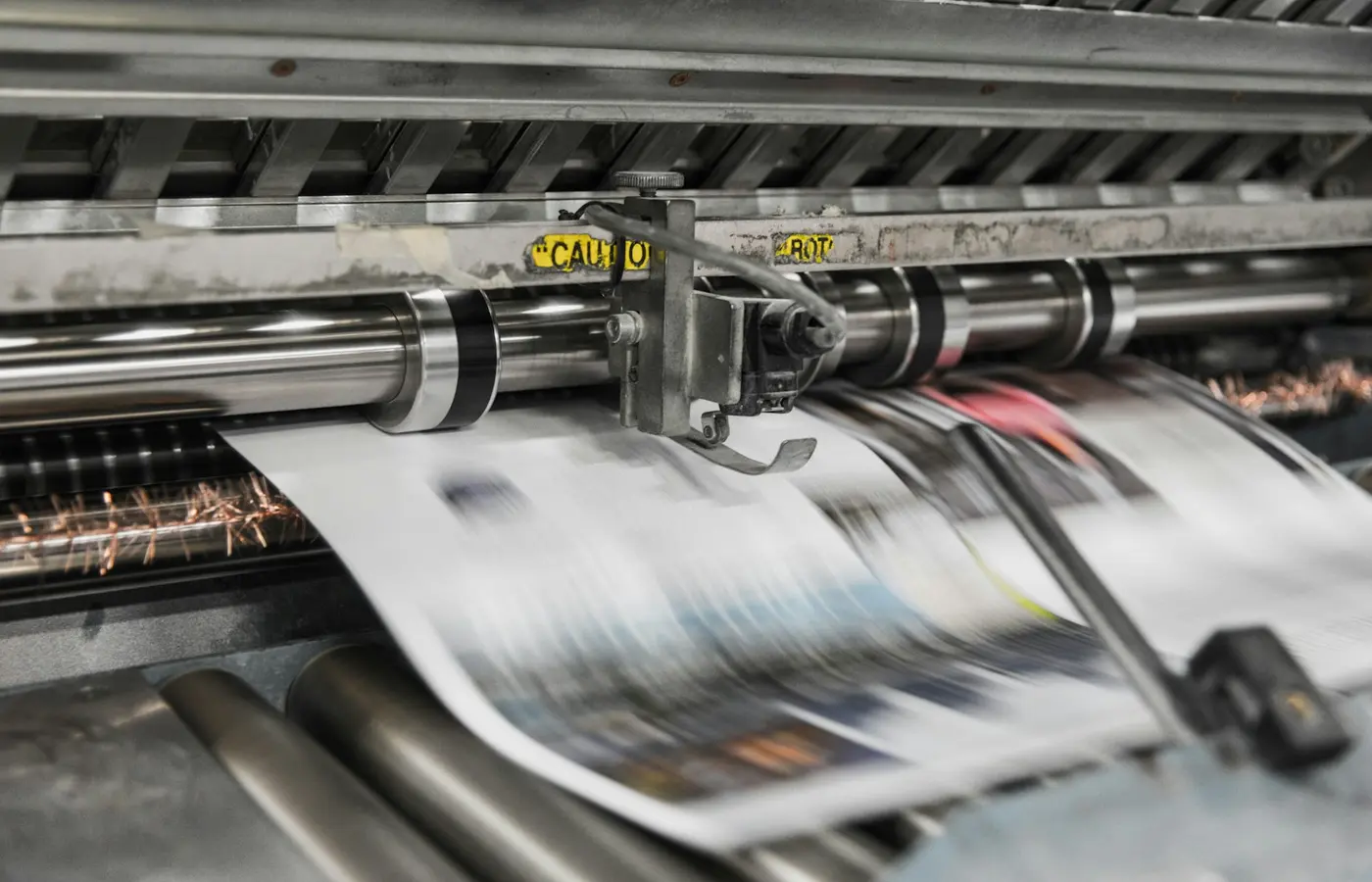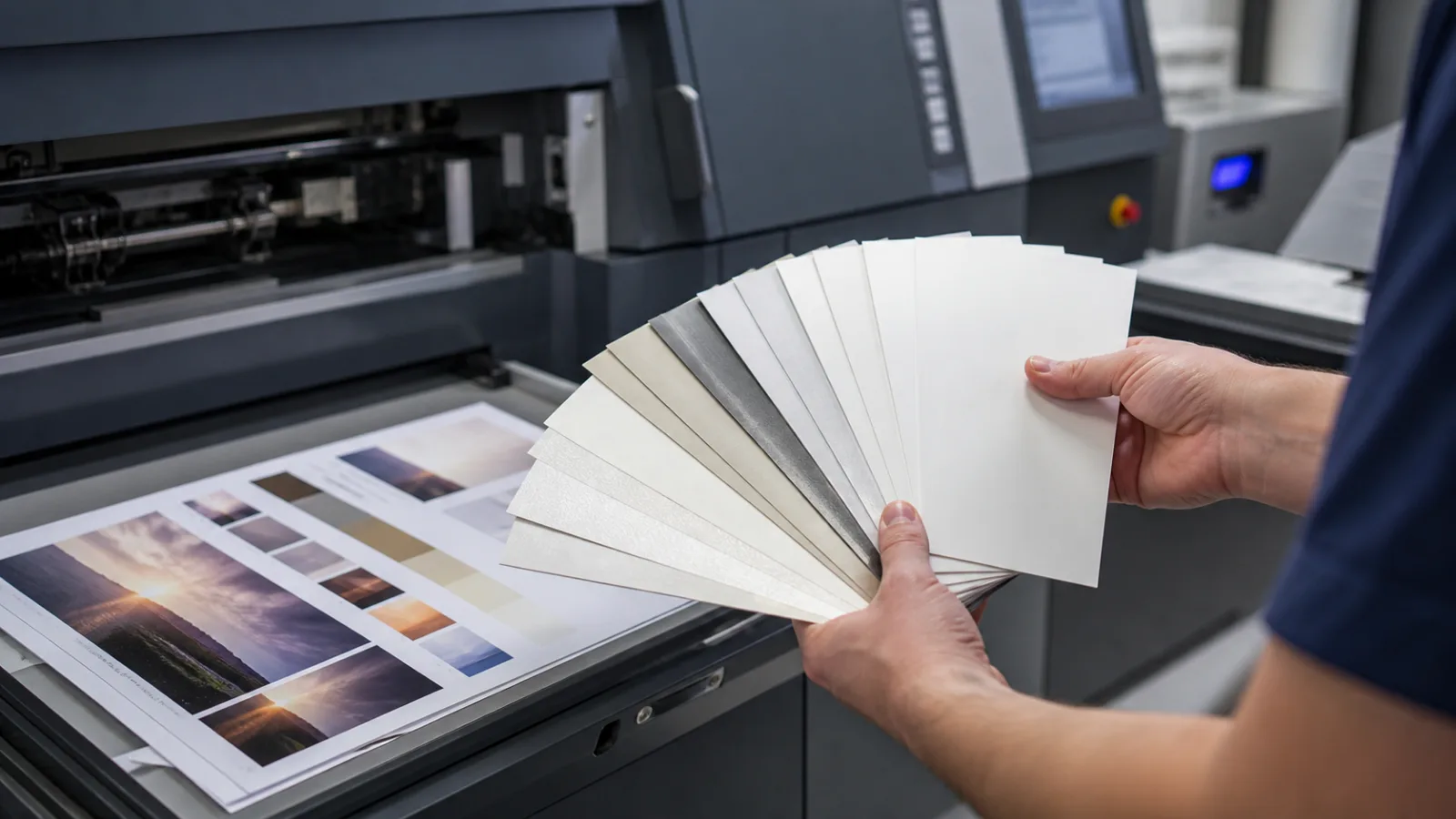

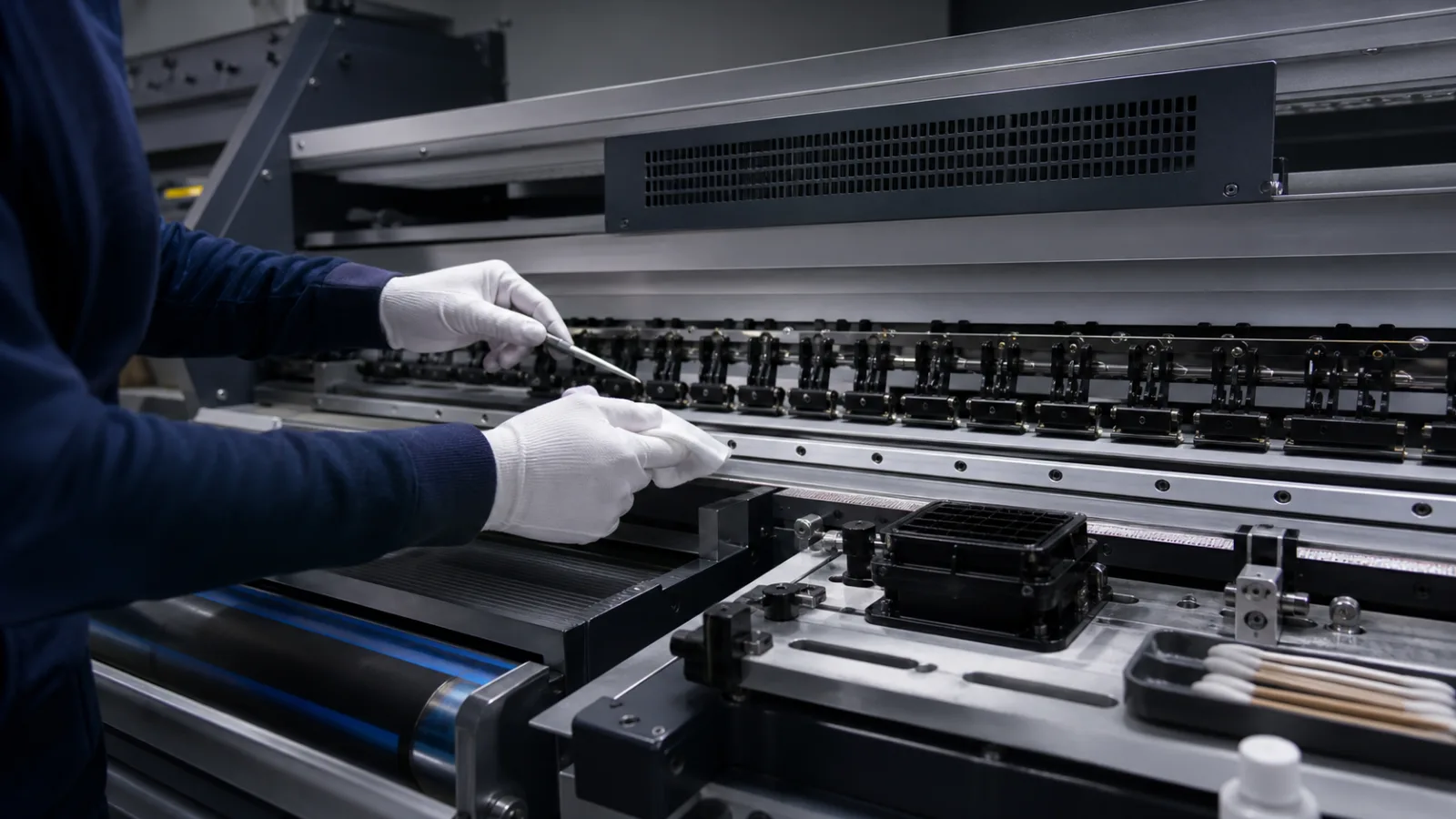
Production inkjet stability depends on many small controls working together. Nozzles must jet consistently, the substrate must travel at the intended distance from the heads and drying must remove enough liquid without distorting the web or sheet.
Start with the environment
Temperature and humidity influence ink, paper moisture and static. Dust and loose fibres can reach sensitive head areas. Keep the press room within the equipment supplier’s range, maintain extraction and follow the approved cleaning method rather than using improvised fluids or cloths.
Automated nozzle checks and compensation are valuable, but operators should track recurring defects by head, colour and substrate. A pattern that returns after cleaning may indicate filtration, alignment or material contamination rather than an isolated blocked nozzle.
Control the complete path
Inspect rollers, tension, vacuum, curing and chill systems on schedule. Record consumables, cleaning events and calibration results. Use a stable control job to separate press drift from file or substrate changes. Maintenance is most effective when those records are reviewed for trends instead of being treated only as evidence after output has already failed.
Safety and the manufacturer schedule come first
A production press contains moving webs or sheets, high voltage, heated dryers, UV energy on some systems and chemicals that require approved handling. Lockout, access and cleaning procedures are equipment-specific. The operator manual and service contract take precedence over a generic checklist. Never substitute a solvent, swab or compressed-air practice simply because it appears to clean faster; an incompatible material can damage nozzle plates, seals or electronics.
Convert the supplier’s intervals into named daily, weekly and usage-based tasks. Assign responsibility and require sign-off. A checklist that nobody owns is not a control.
Start each shift with a known condition
Before loading a live job, inspect the paper or web path for scraps, adhesive, fibres and ink deposits. Confirm correct ink lot and expiry handling, waste capacity, dryer readiness and environmental readings. Output the press manufacturer’s nozzle or jetting test and compare it with an approved example.
Automatic compensation can hide a failing nozzle by substituting neighbouring jets, but compensation has limits. Record persistent defects by colour and head position. A defect that returns in the same place after an approved cleaning cycle needs escalation rather than repeated aggressive wiping.
Control contamination at the source
Paper dust, coating debris and poorly cut edges can migrate into sensitive areas. Keep rolls and sheets wrapped until conditioning, clean staging surfaces and remove damaged outer wraps. Vacuum or extraction systems need their own inspection schedule. Filtration and ink circulation should be serviced at specified intervals because contamination or air can disturb jetting.
Do not clean around exposed heads while fibres are being generated elsewhere. Use only approved lint-free materials and follow the prescribed direction and pressure. The objective is to remove contamination without scratching a nozzle plate or pushing debris into openings.
Watch the web or sheet path
The gap between substrate and head is tightly controlled. Curl, cockle, splices, raised edges or slack web can cause contact, which risks both print defects and physical head damage. Inspect tension zones, edge guides, vacuum belts, rollers and sensors. Track whether a problem follows one paper roll, one tray, one side or one speed.
For sheetfed equipment, examine feeder separation, skew, static and duplex transport. For web systems, log tension, splice quality and roll hardness. A repeating transverse band may point toward jetting; a defect that moves with the substrate or web repeat suggests a different cause.
Drying is part of image formation
Water-based systems must remove substantial liquid without distorting the substrate. Dirty air paths, blocked filters, incorrect temperature or exhausted extraction can leave sheets tacky or cause curl. Too much heat can shrink a web, change register or make paper brittle. UV systems bring their own lamp, shielding, cooling and cure checks.
Use the approved press mode for the paper and coverage. If a job needs excessive heat or many slow passes to become usable, revisit substrate qualification and ink limits rather than normalising an unstable setting. The digital paper selection guide covers this interaction.
Calibration and a control job
Mechanical cleanliness alone does not ensure consistent colour. Run the prescribed linearisation, registration and colour verification routines after relevant service, component changes or measured drift. Keep one stable control file with neutrals, gradients, solids, fine lines and images. Print it on a documented stock and compare measurements and visual defects over time.
That control separates press changes from a customer’s new file. It also reveals slow degradation that individual live jobs may conceal.
Troubleshoot from evidence
| Symptom | Checks to make before changing settings |
|---|---|
| Repeating white line | Nozzle test, compensation state, contamination and head position |
| Mottle or coalescence | Paper treatment, ink load, environmental condition and drying |
| Colour drift | Calibration status, ink condition, temperature and measurement method |
| Skew or register error | Guides, tension, vacuum, sheet edges and substrate moisture |
| Smearing or offset | Cure or drying, ink limit, surface compatibility and handling time |
| Random marks | Debris, roller contamination, head strikes and finishing transport |
Change one controlled variable at a time and retain the before-and-after proof. Broad adjustments made under deadline pressure make the root cause harder to find.
Records that improve uptime
Log nozzle tests, cleaning cycles, filter and consumable changes, head strikes, environmental readings, paper lots, calibration results and service actions. Review frequency and recurrence. If one substrate creates most cleaning stops, its low purchase price may not represent the lowest production cost.
How digital printing works places these controls in the full data-to-sheet workflow. Stable inkjet output is not produced by cleaning harder after failure. It comes from controlled materials, preventive inspection, supplier-approved procedures and records that reveal drift before saleable work is affected.